Set your dose.
It holds.
TimeIsShort blocks YouTube Shorts or sets a daily dose, times your work sessions and closes the sites that scatter your attention for as long as needed. No “just one more” button: what you decided in the morning still holds at night.
Nothing leaves your device · No account · English and French
Less time lost to short-form content
Four tools, one intention: cut the time Shorts and distracting sites take out of your day.
Shorts: blocked or dosed
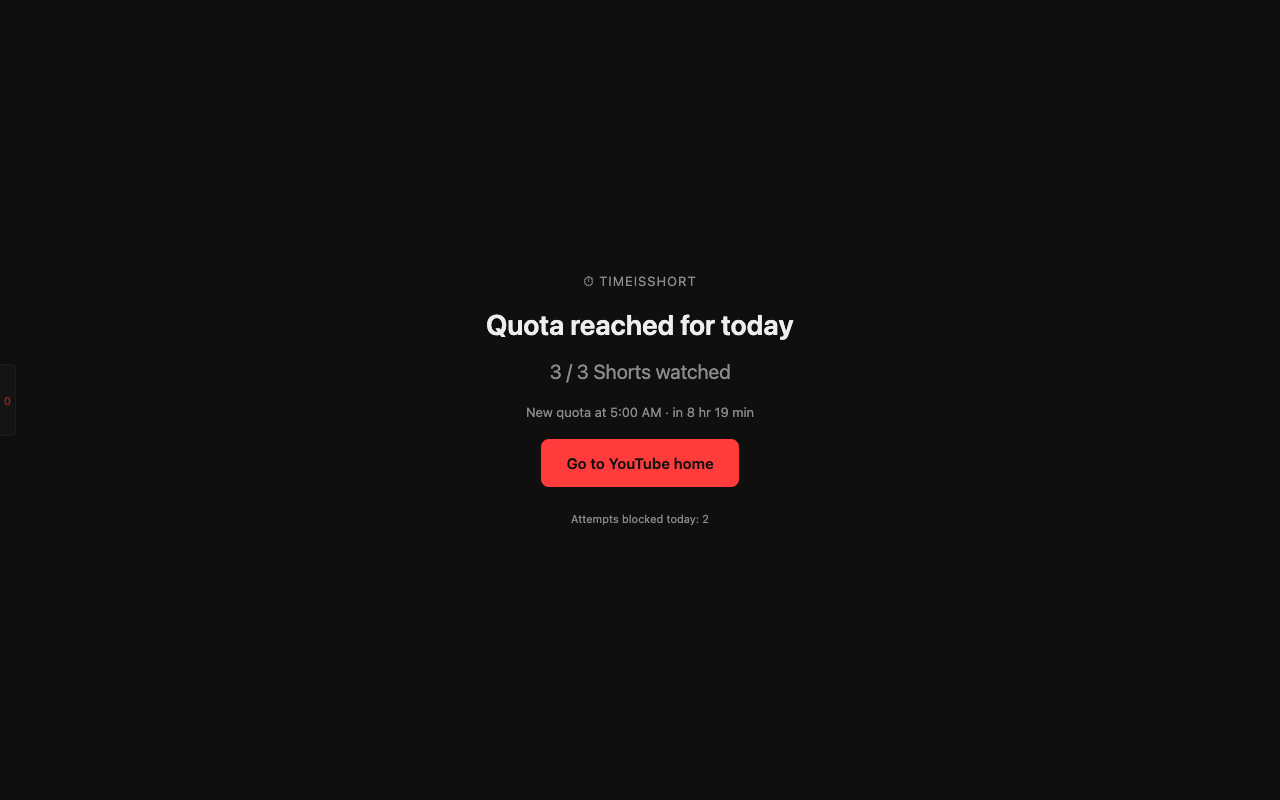
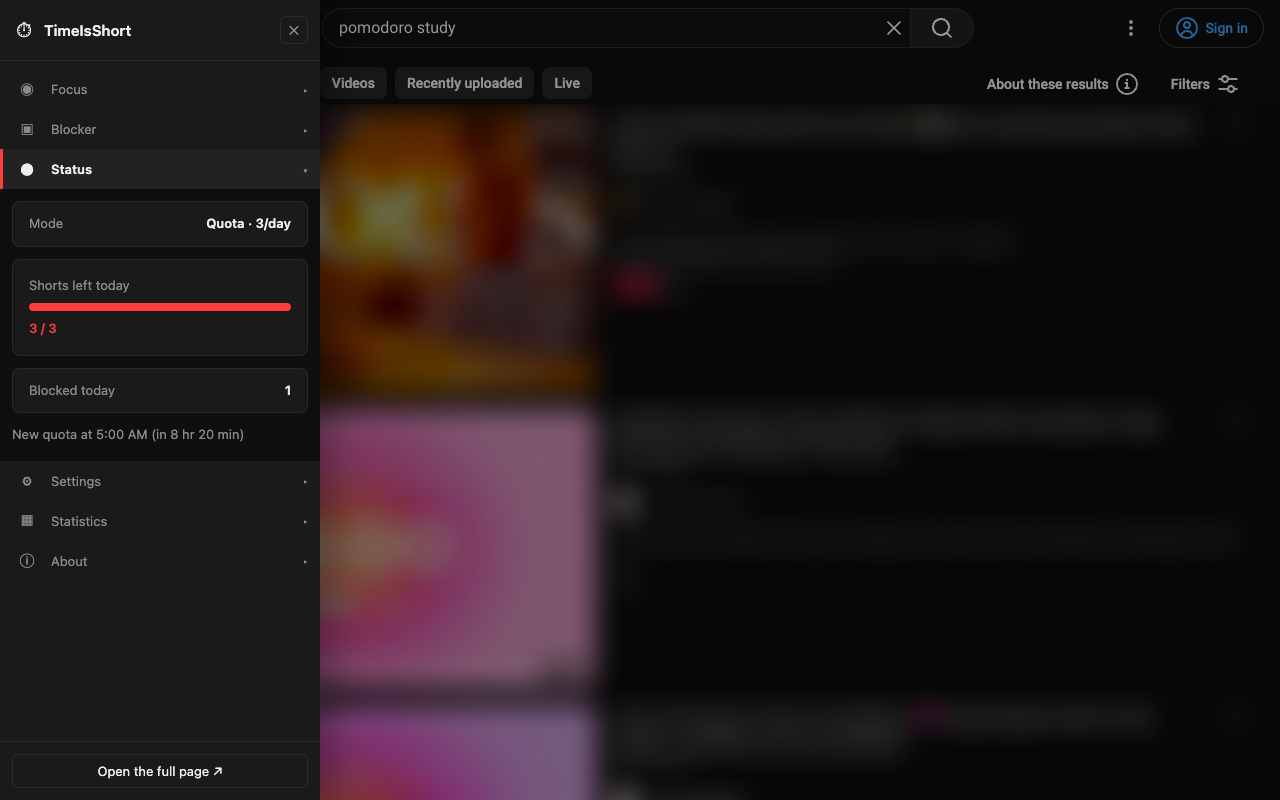
Block them all, or allow only 1 to 10 Shorts a day — every swipe counts. Beyond that, a plain block screen or the page of your choice. Shorts also disappear from YouTube's home page, search results and menu.
Focus: sessions that run on their own
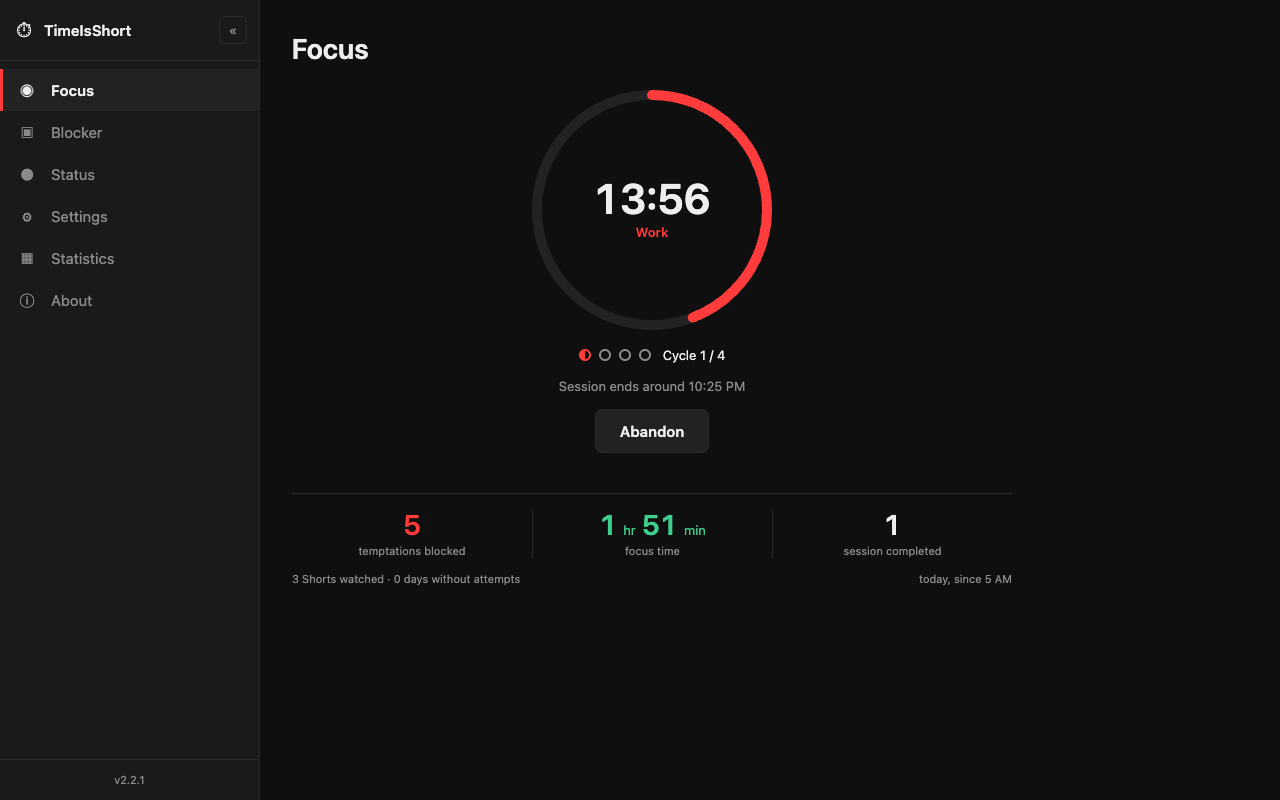
25 / 5 or 50 / 10, four cycles that follow one another automatically. YouTube stays closed for the whole session. A notification at each phase, an audible countdown, and quitting comes with ten seconds to reconsider.
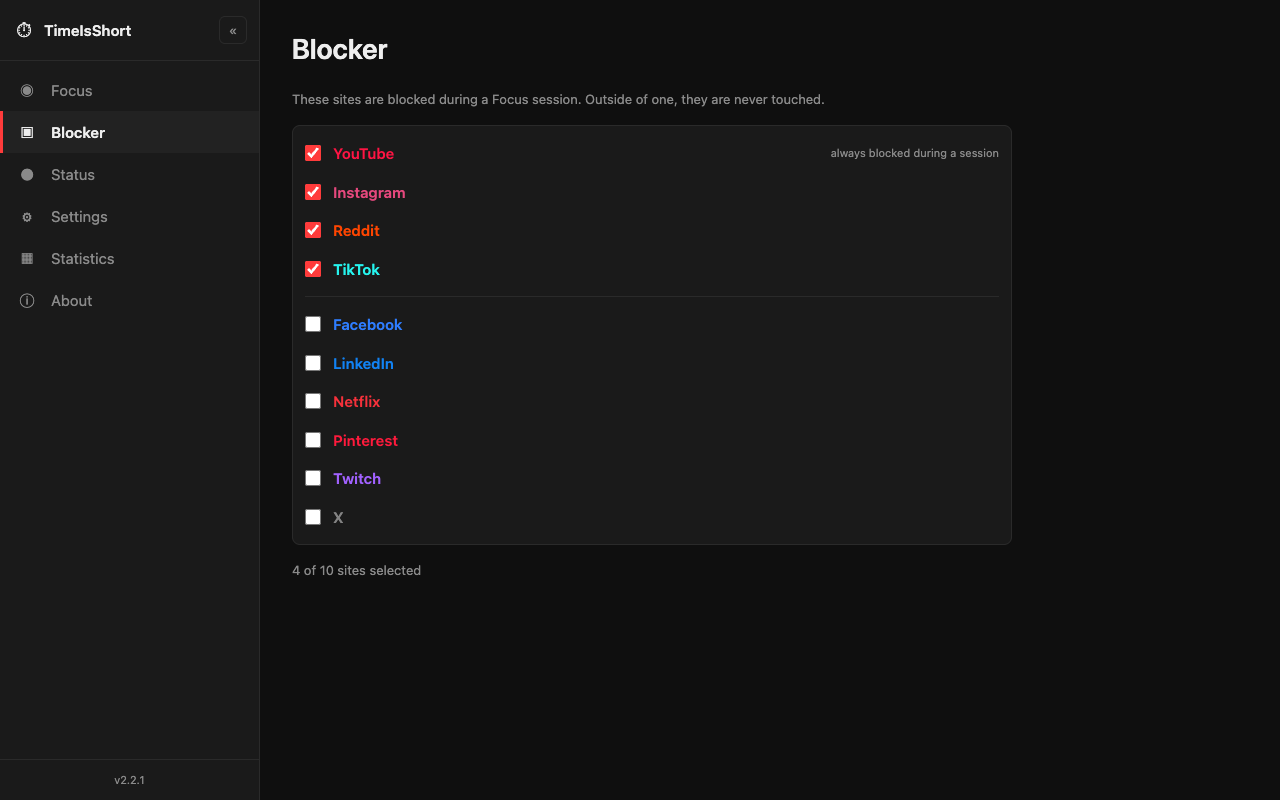
Blocker: your distractions, your choice
Instagram, TikTok, X, Reddit, Facebook, Twitch, Netflix, LinkedIn, Pinterest: check the ones that should close during your sessions. Each site is only allowed at the moment you check it.
Statistics: measured, never guessed
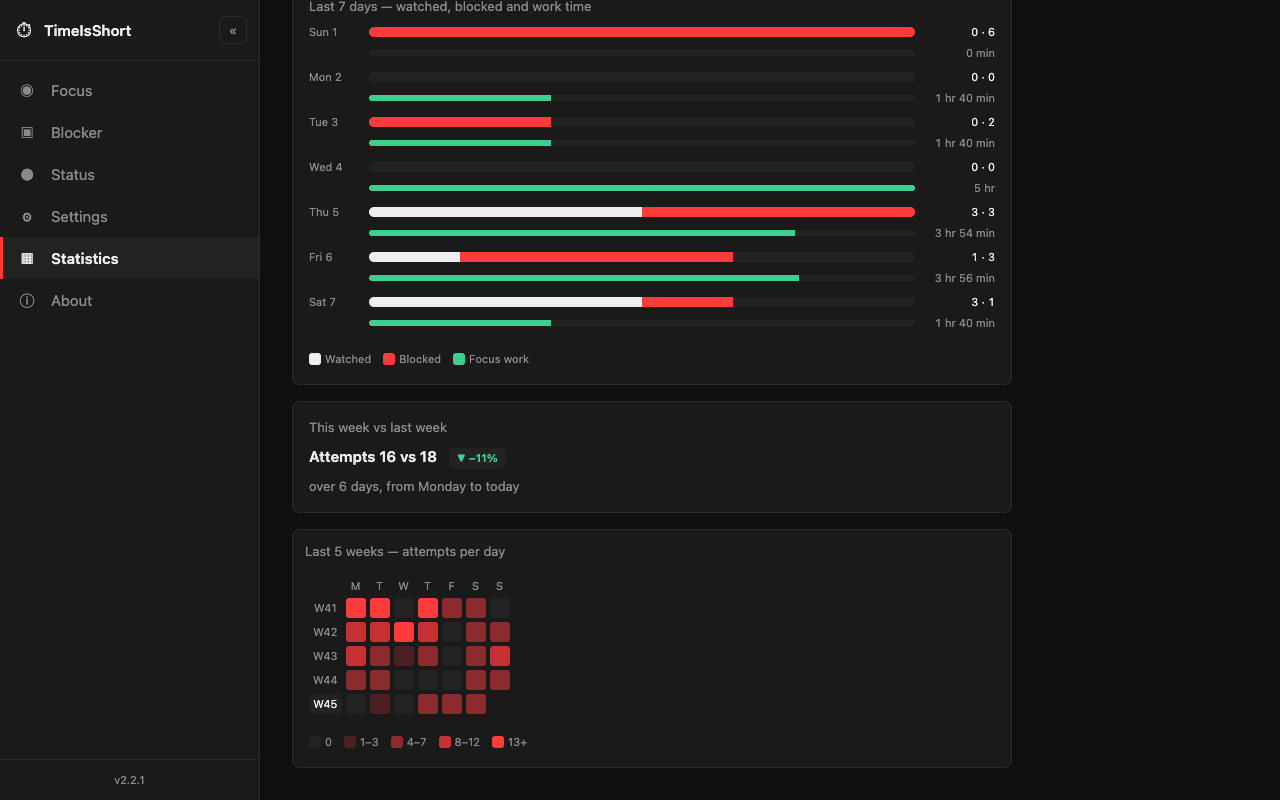
Shorts watched, temptations blocked, focus time, days without an attempt, a five-week heat map and a recap every Monday. No made-up “time saved”: only what was actually counted.
Wherever you need it
Nothing leaves your device
No server, no account, no telemetry, no ads. No network requests.
Settings and counters stay in your browser; history is deleted after 35 days.
No access to all sites, nor to your tabs. Privacy policy
A question or a problem?
An idea, a bug or a site that won't block: get in touch.
By email: support@inotris.io
Mention your browser and the extension version, shown at the bottom of the options menu (for example v2.2.1).
Alt + Shift + S opens or closes it, on YouTube only. Everything else is set from the extension icon.
Decide once. Let it hold.
Free today; a paid tier will be added in a future update. In English and French, for Chrome, Brave, Edge and Firefox.